
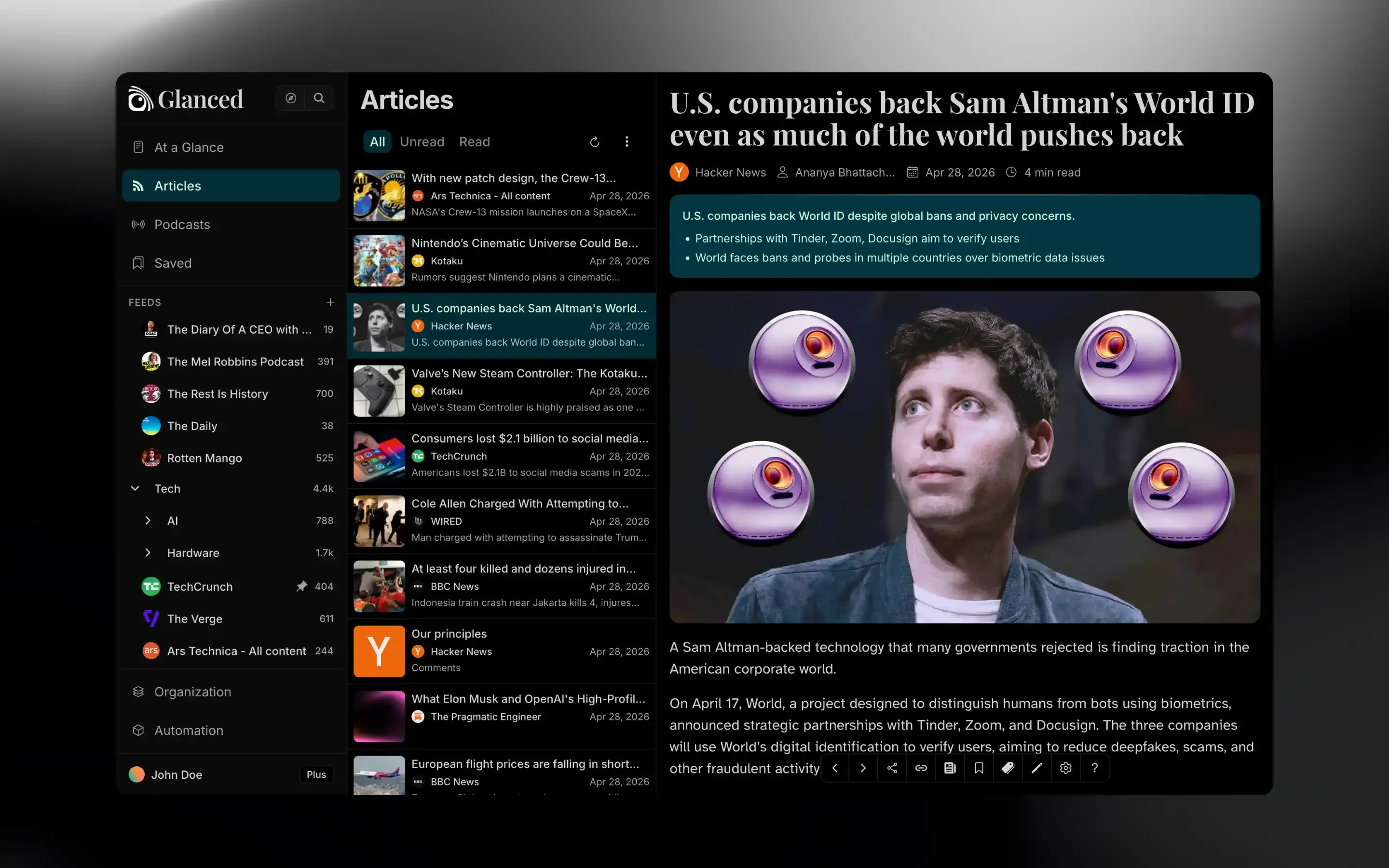
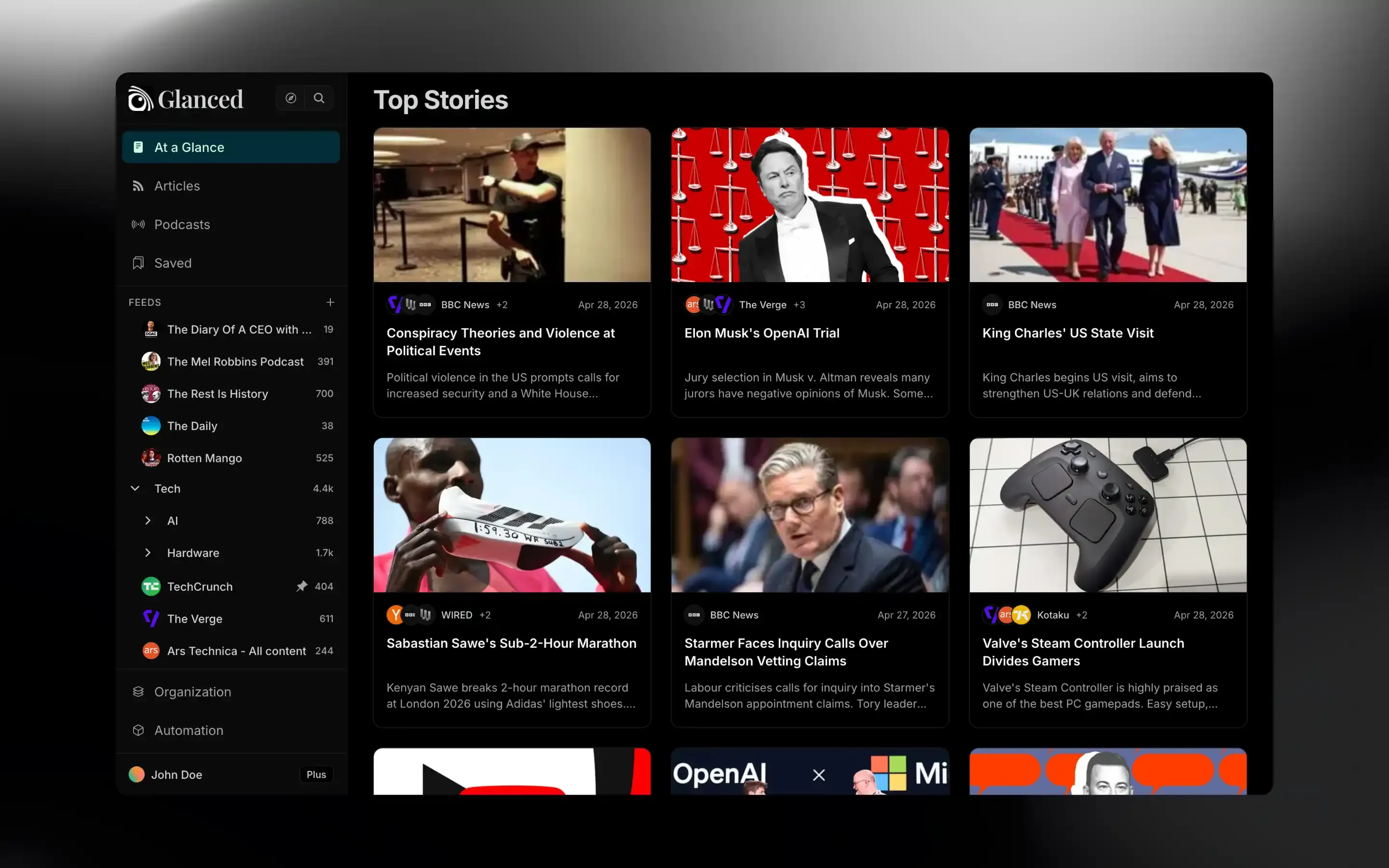
Stories
Glanced turns your articles into stories, automatically.
Designed for readers.









 Glanced
 Logos are shown to illustrate sources you can follow and belong to their owners. Glanced is not affiliated with or endorsed by these brands.
 Glanced
 Logos are shown to illustrate sources you can follow and belong to their owners. Glanced is not affiliated with or endorsed by these brands.
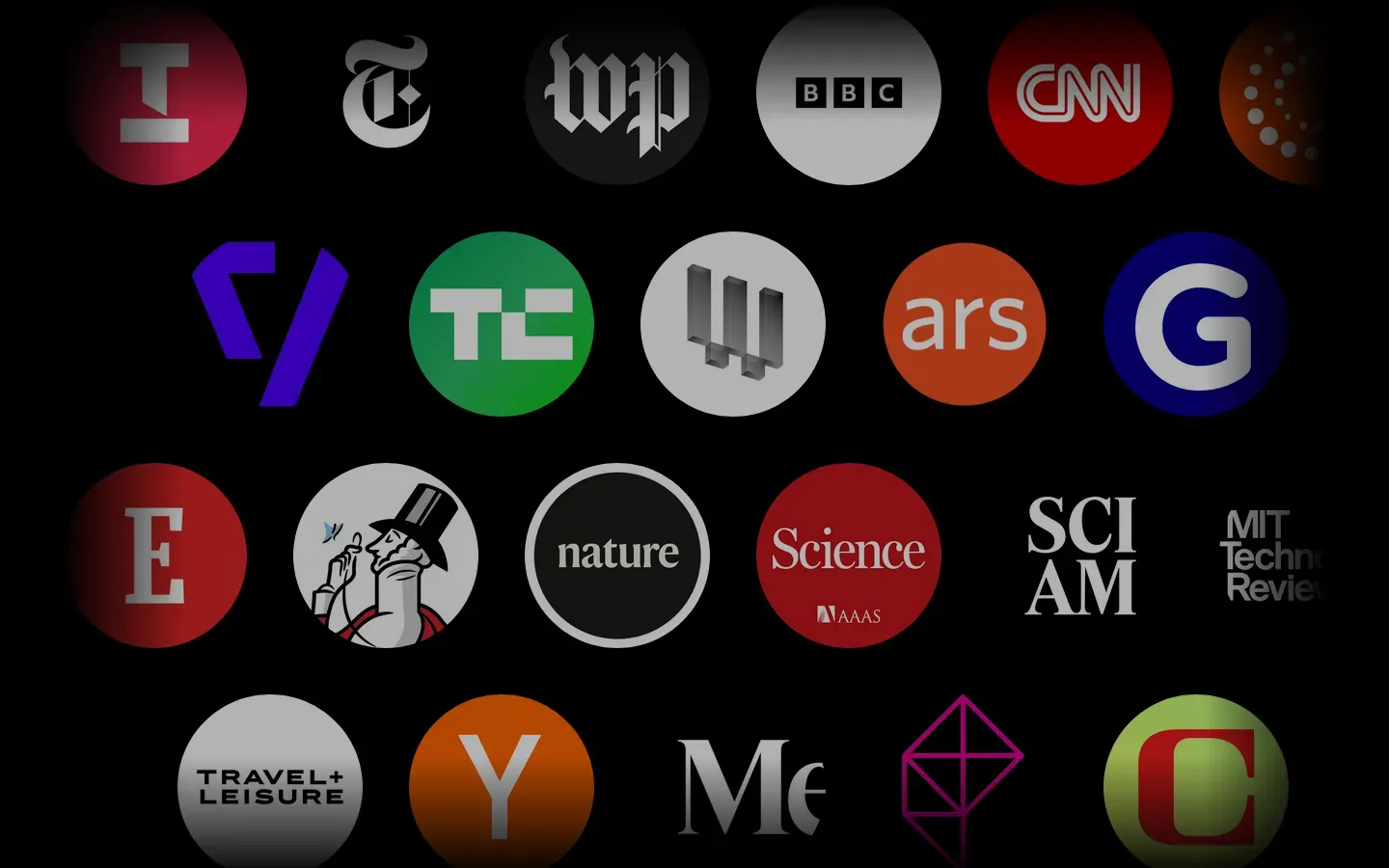
Browse outlets and podcasts, then subscribe.
Tame the flood, your way.
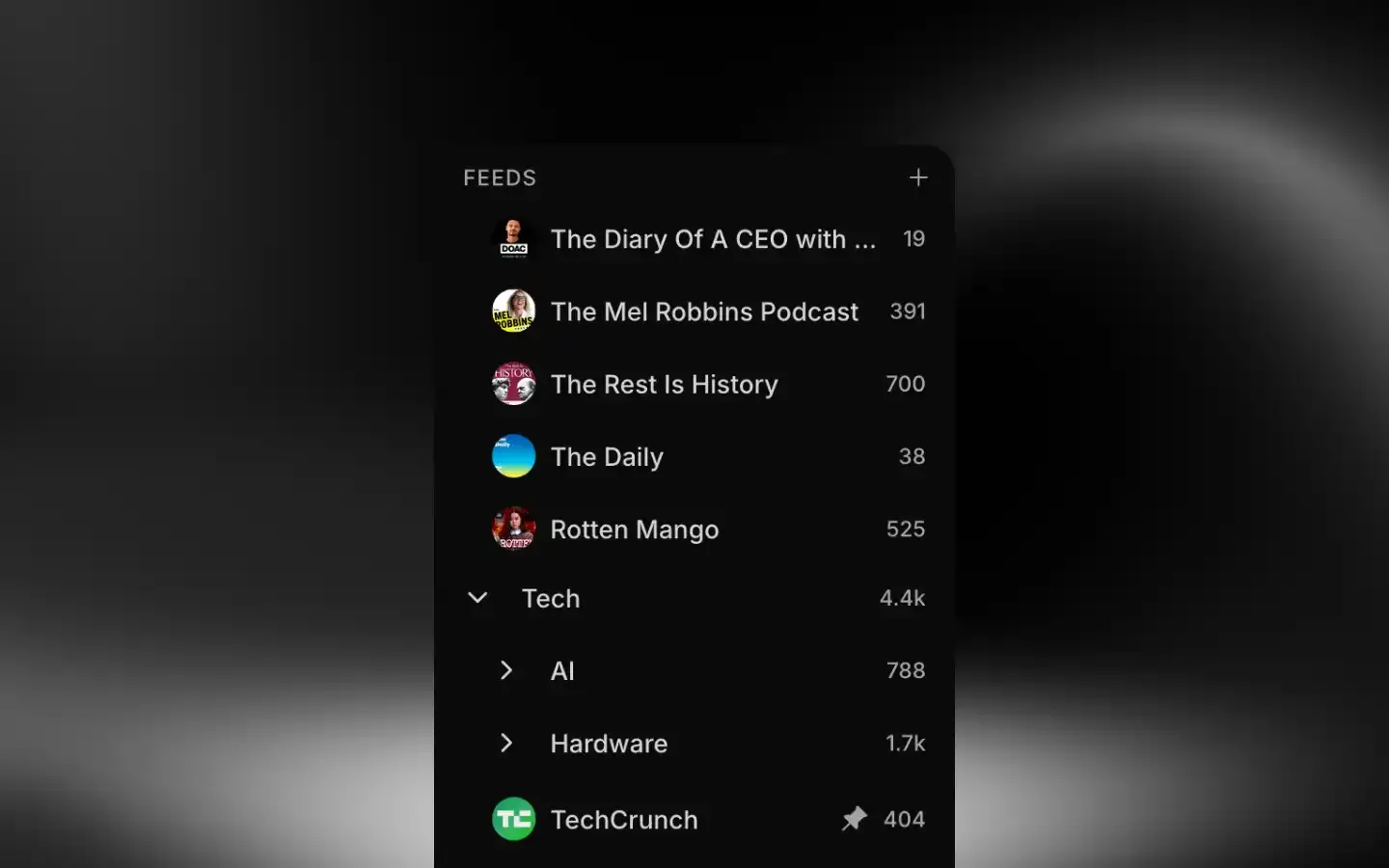
Group subscriptions into folders to keep navigation clean.
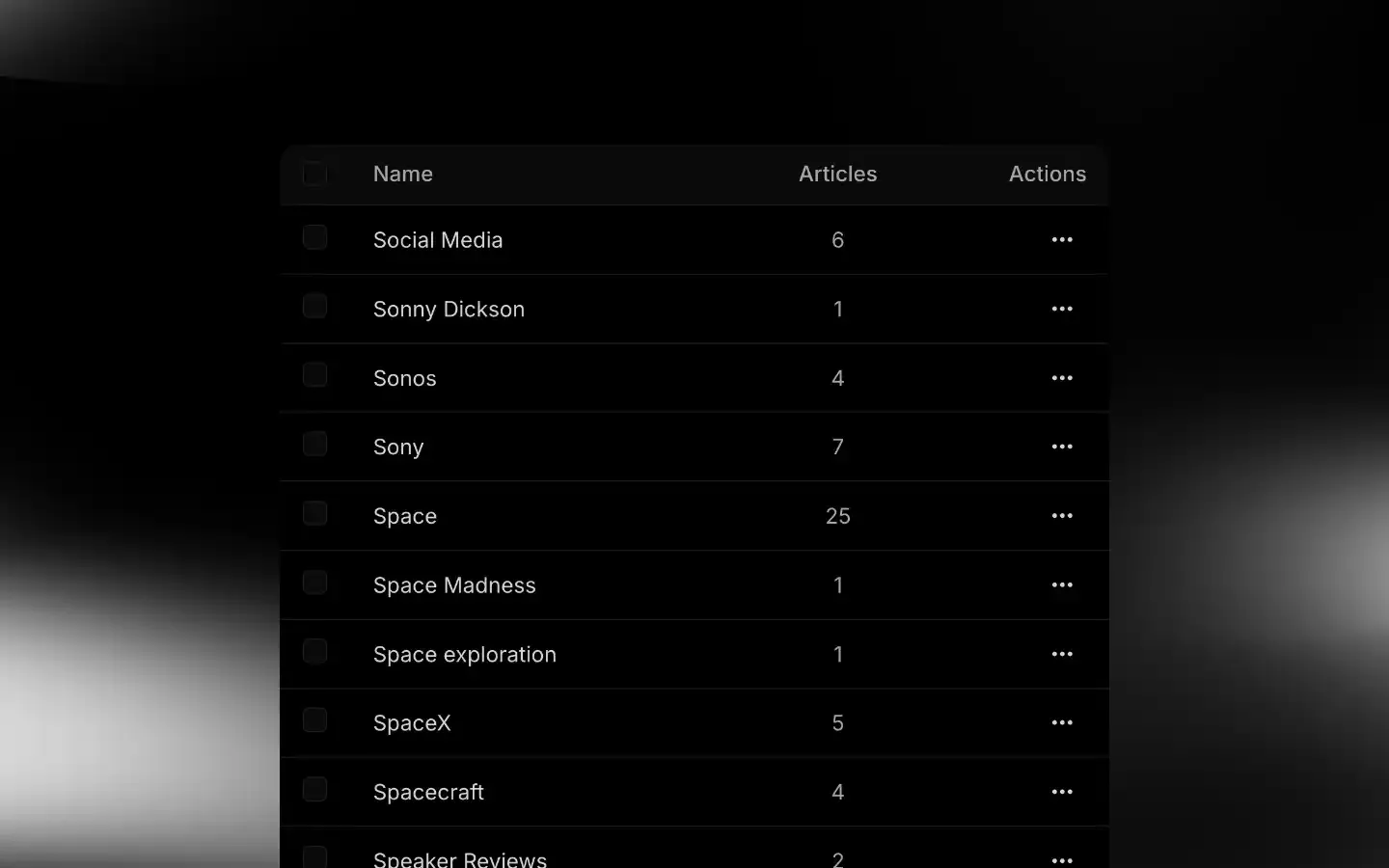
Tag articles to find them later across feeds and folders.
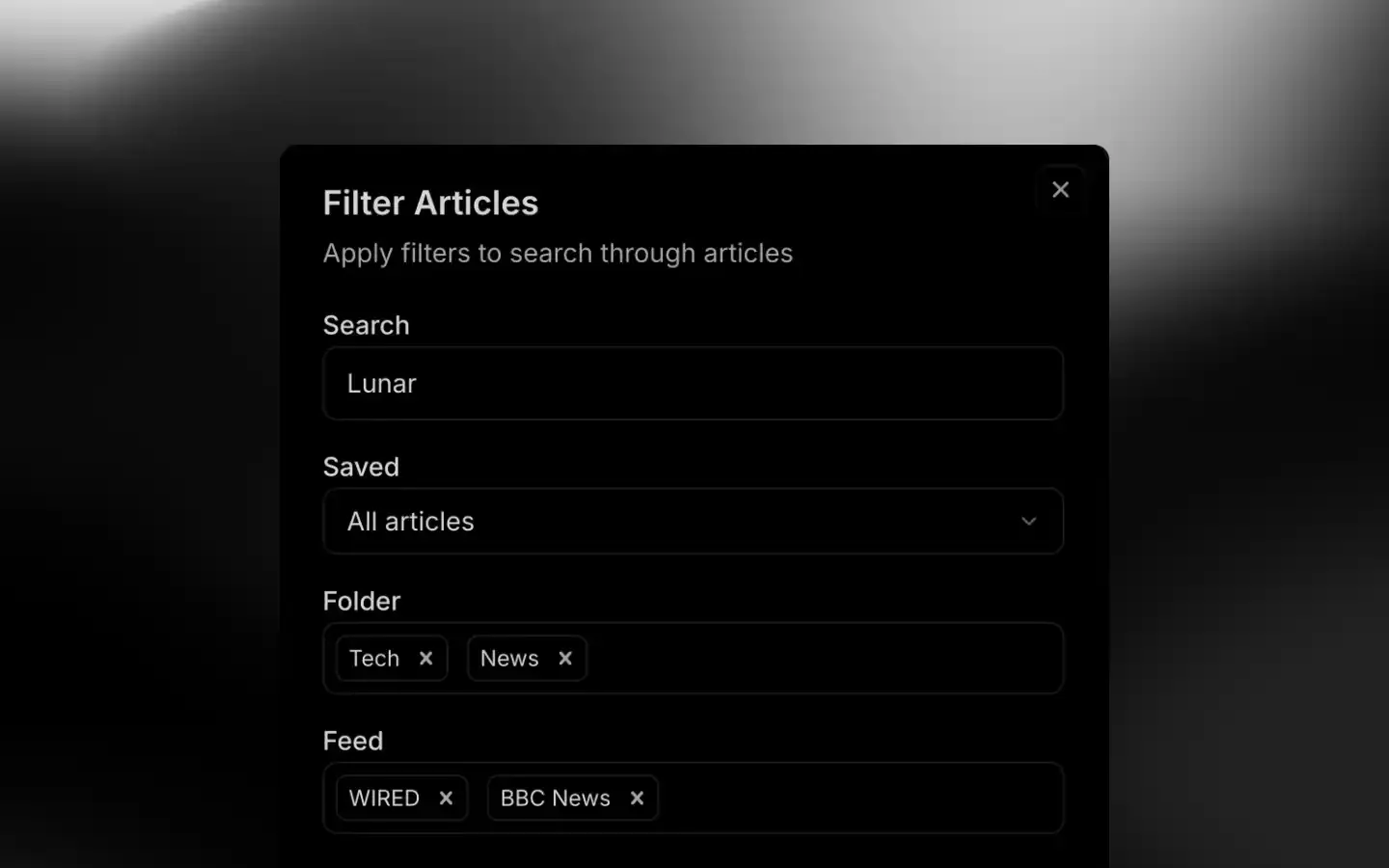
Turn a filtered search into a shortcut.
Keep up faster, no skimming.
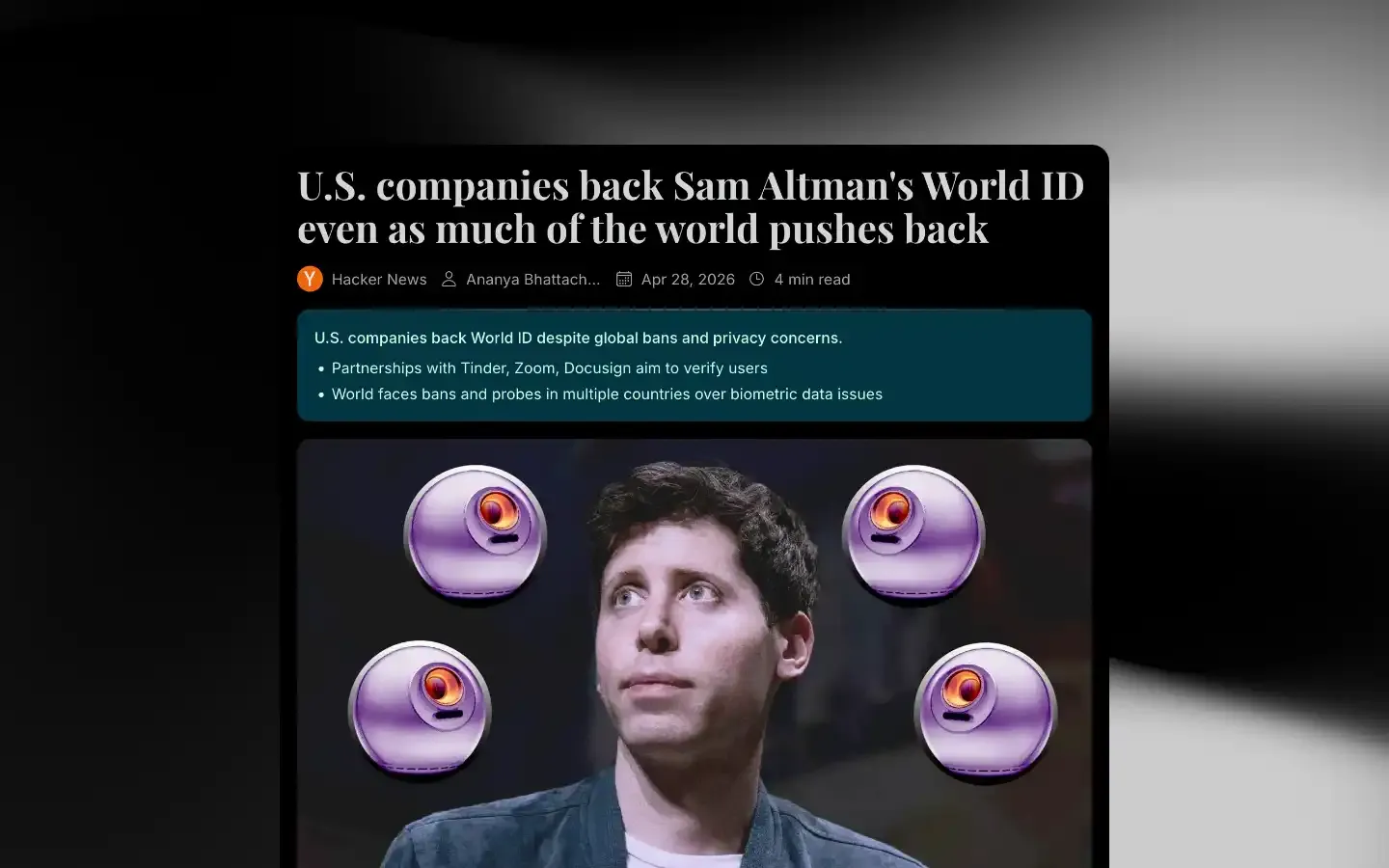
Get the key points of any article in seconds.
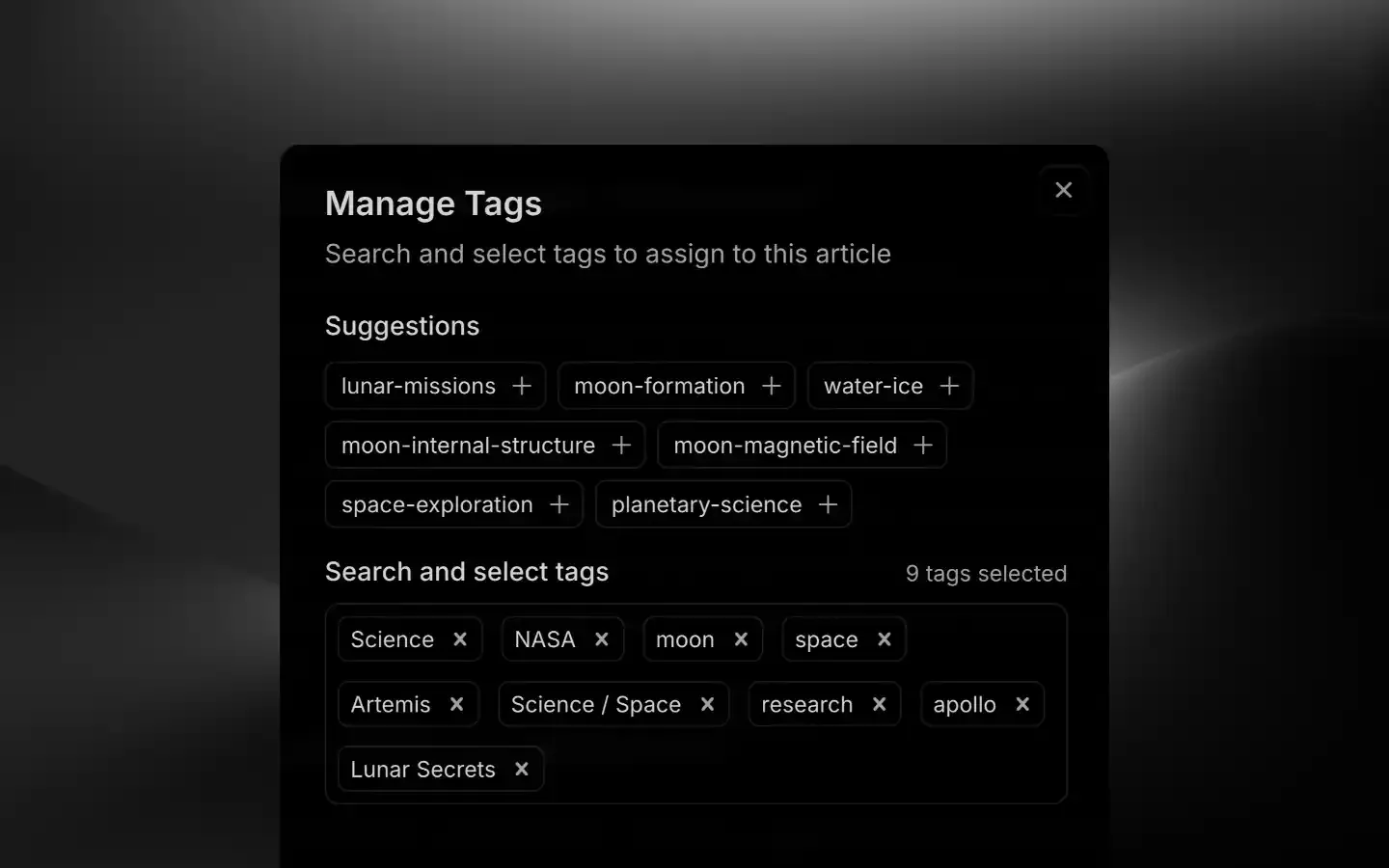
Glanced suggests tags to keep your library organized.
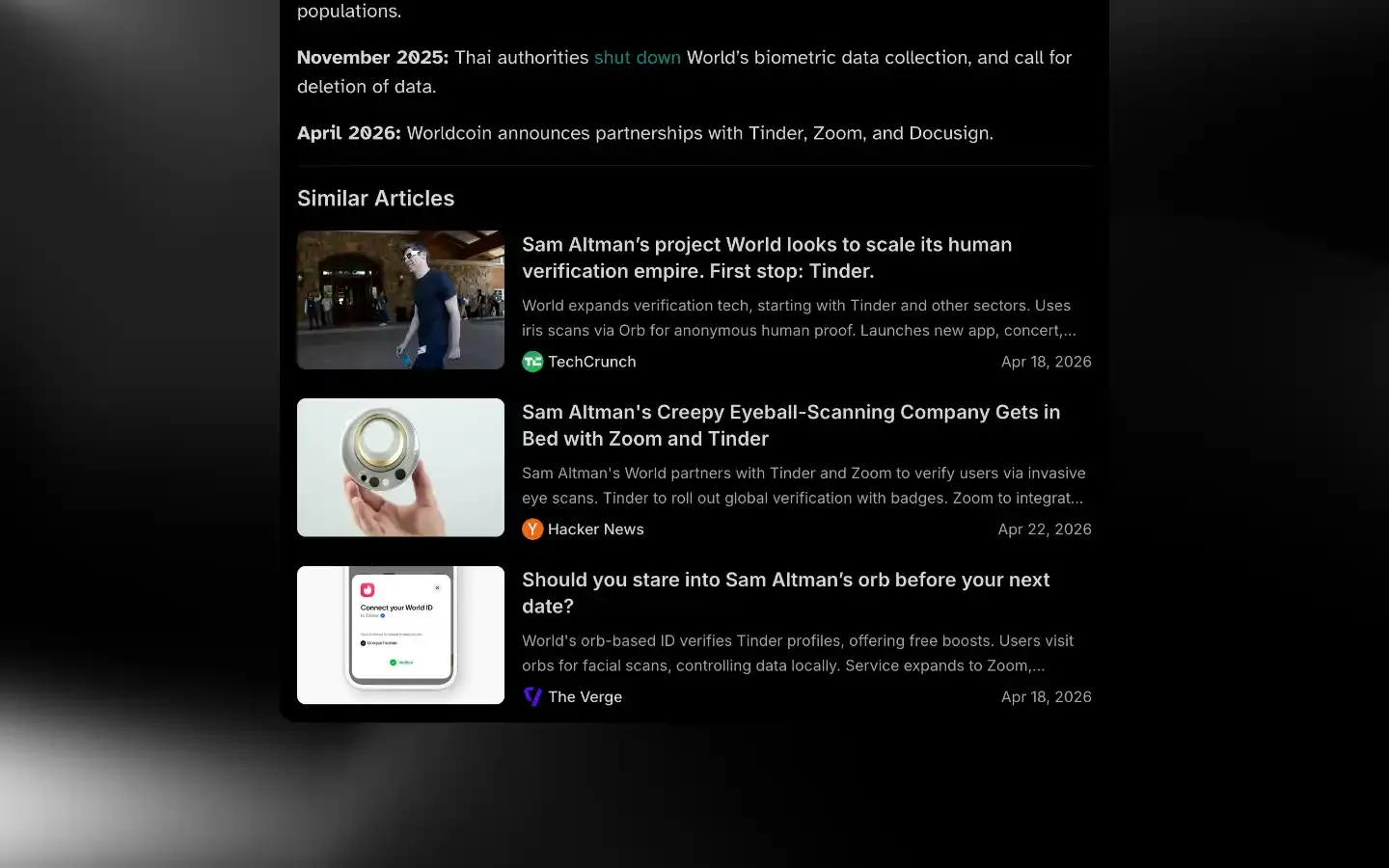
Glanced surfaces related reads automatically.
Three layouts, one library.
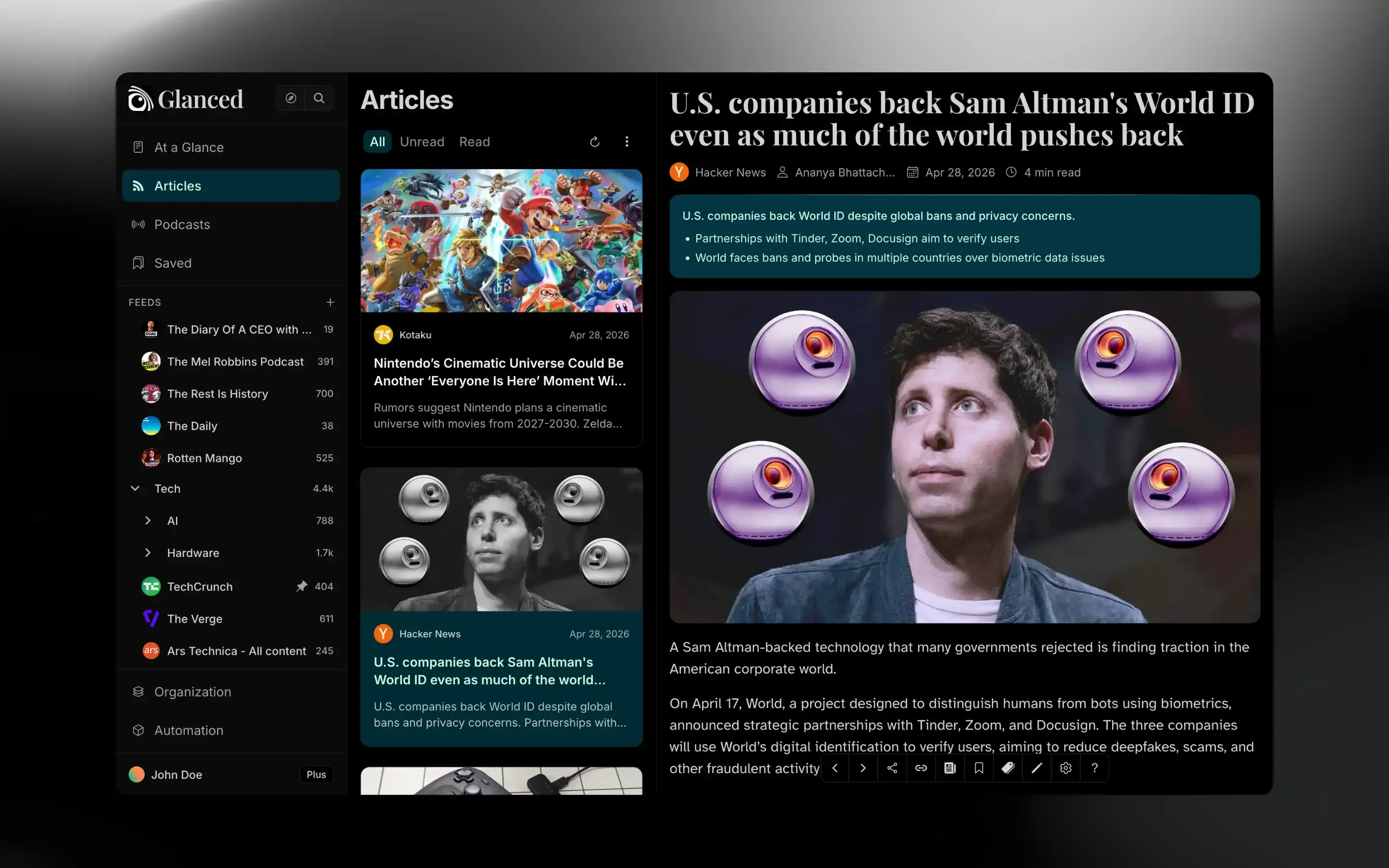
Thumbnail-led cards that make every story scannable at a glance.
Read, listen, and get the full story.
Glanced turns your articles into stories, automatically.
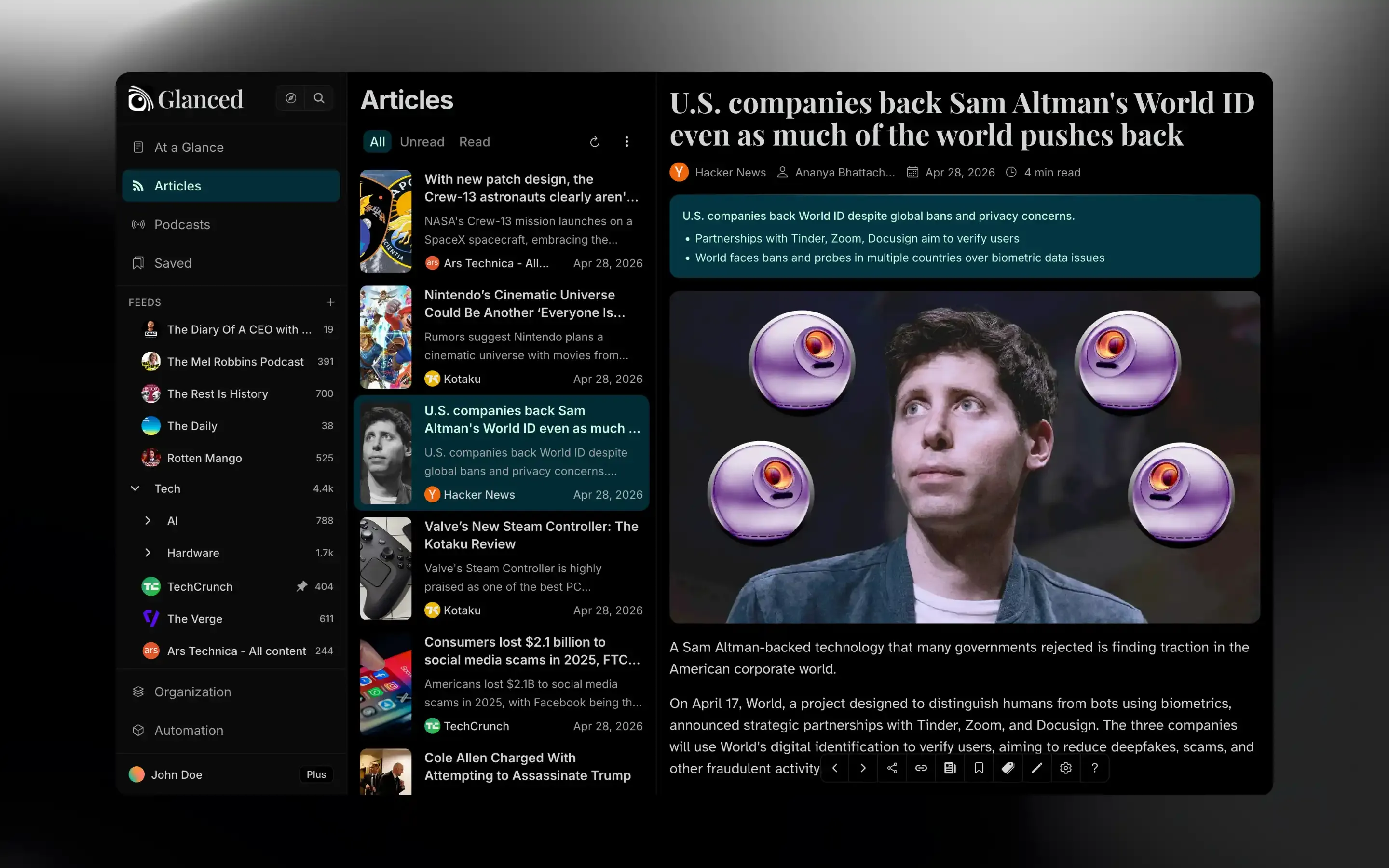
Every site and blog you follow, in one continuous scroll.
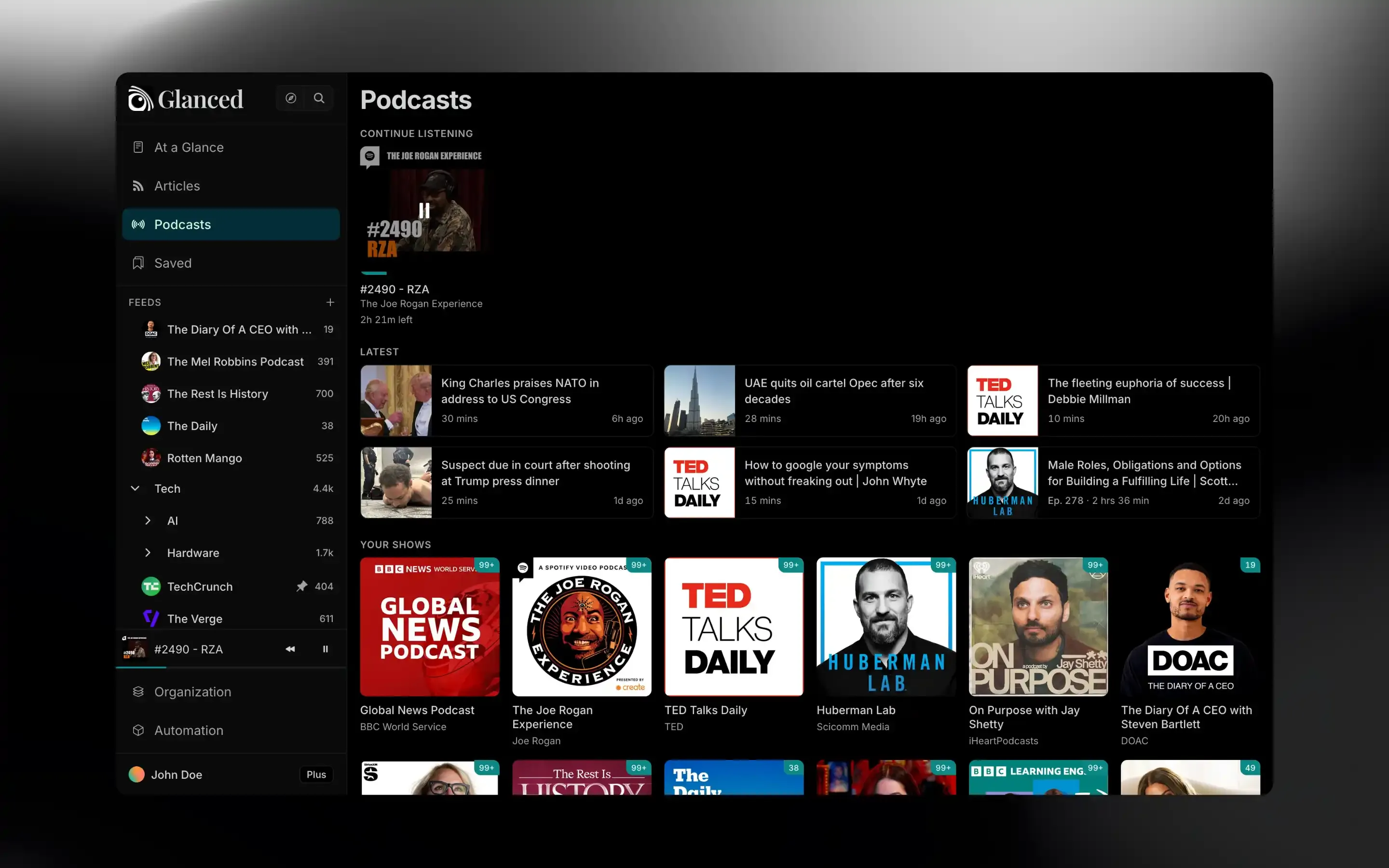
A full player for your shows, built into your library.
Glanced turns your articles into stories, automatically.
Every site and blog you follow, in one continuous scroll.
A full player for your shows, built into your library.
More ways in, more to read.
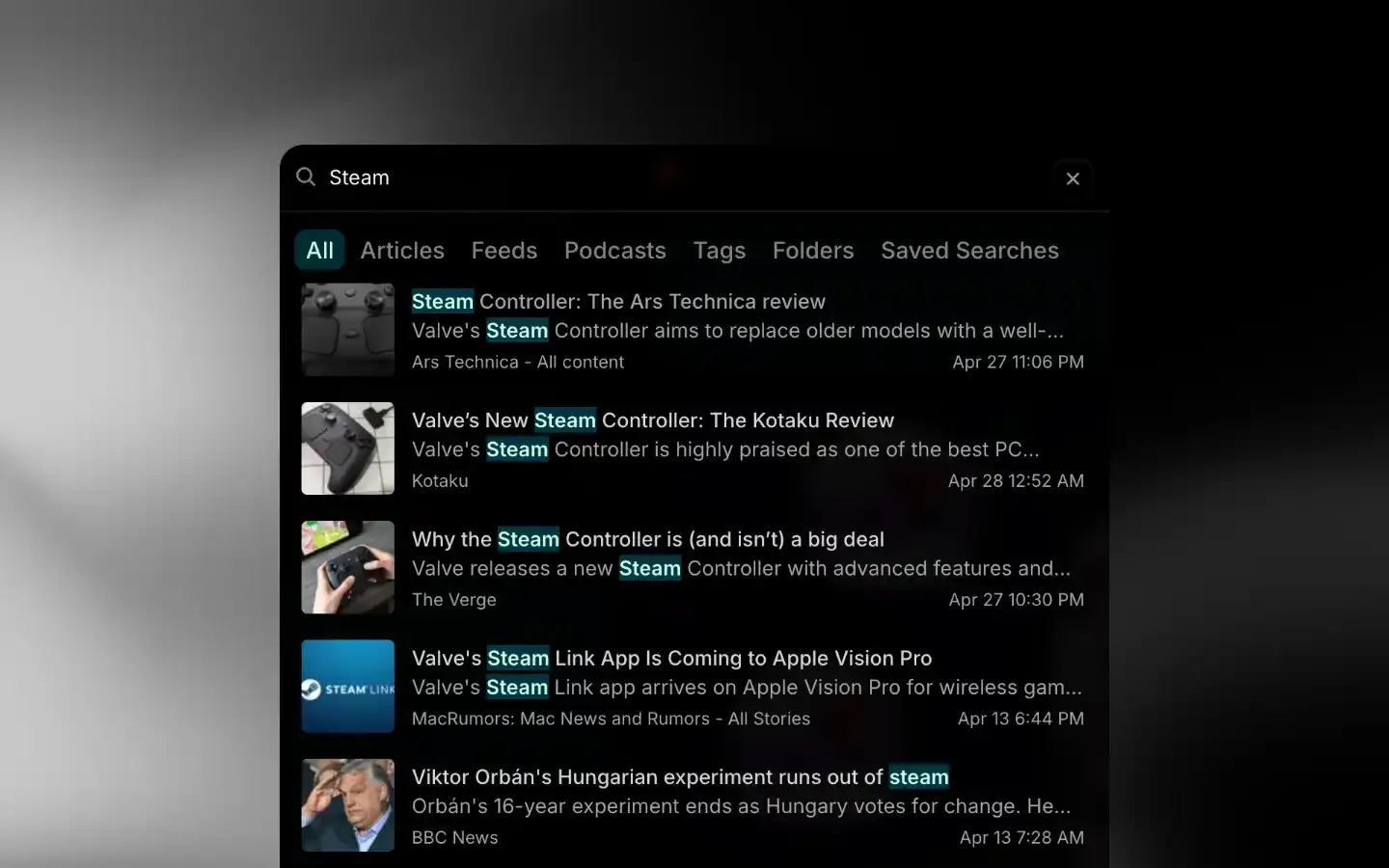
Find any article in your library, fast.

Read the full article, not just the preview.

Send newsletters to Glanced, not your inbox.
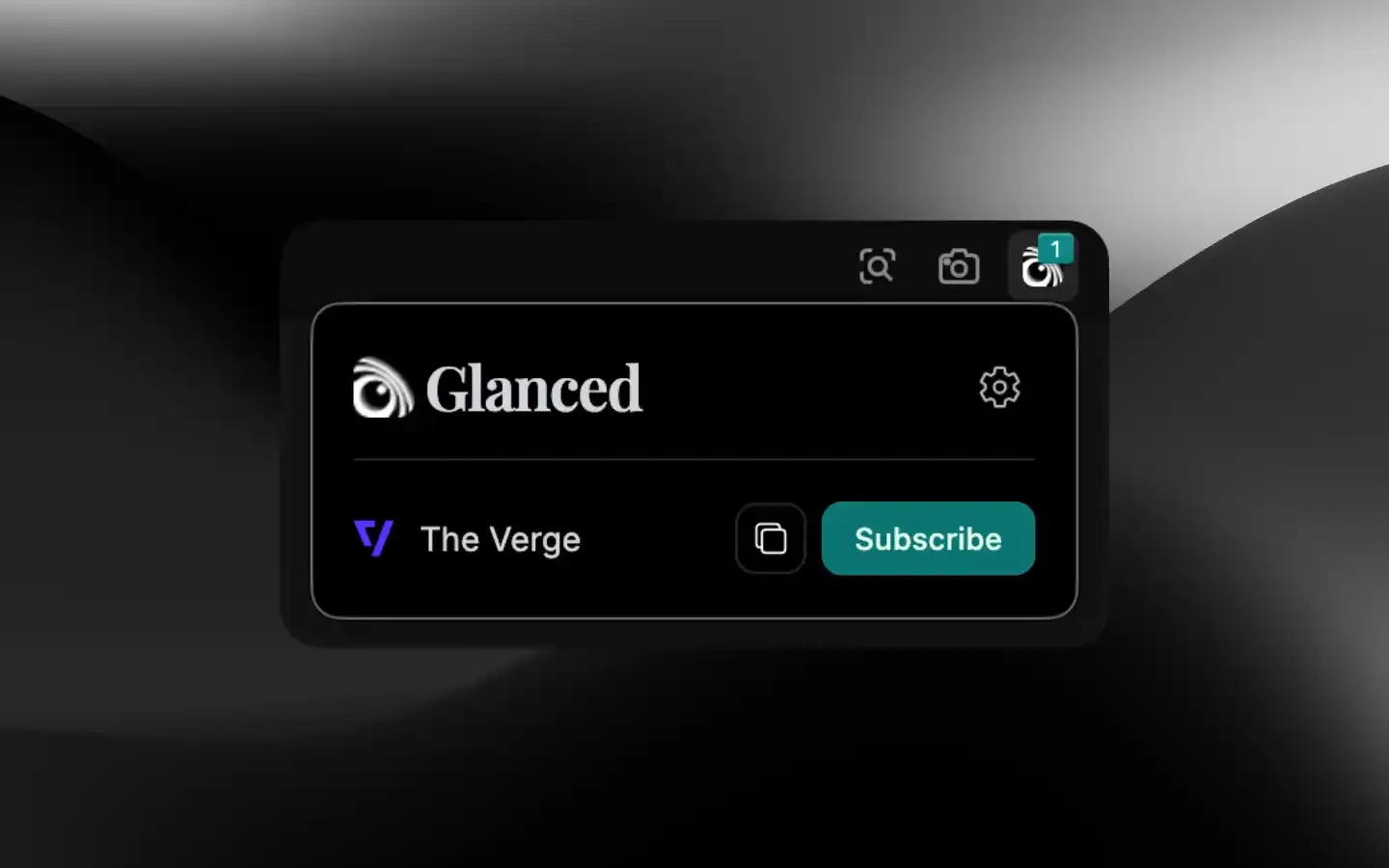
Follow any site without leaving the page.
Glanced adapts to your habits.


RSS and Atom are how Glanced pulls in sites and blogs, but it also handles newsletters, podcasts, and YouTube. You may never need to paste a feed URL.
No. RSS is simply the underlying delivery method. Follow sources from the catalog, the browser extension, or by pasting a link.
Yes. Export your subscriptions to OPML from your old reader and bring them into Glanced.
Yes. Your subscriptions, saved articles, and read state stay in sync across every device and browser you're signed in on.
Yes. Glanced is free to start, with paid Lite and Plus plans when you need more.